Sometimes I hear “Adobe Fireworks? What it is for?” or “Why should I use Fireworks, if I use Photoshop/Illustrator?”.
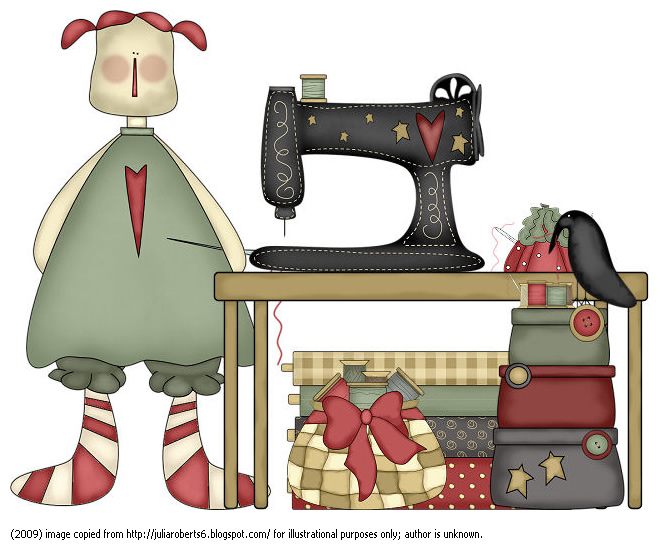
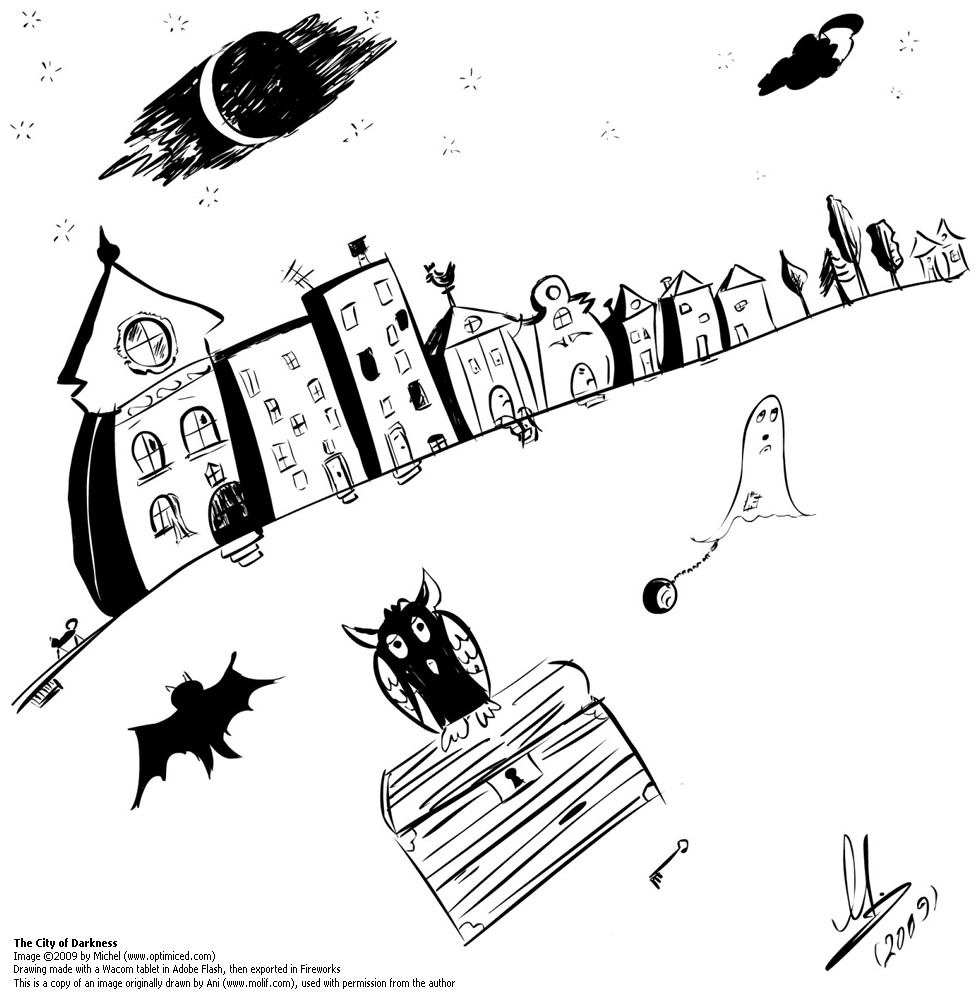
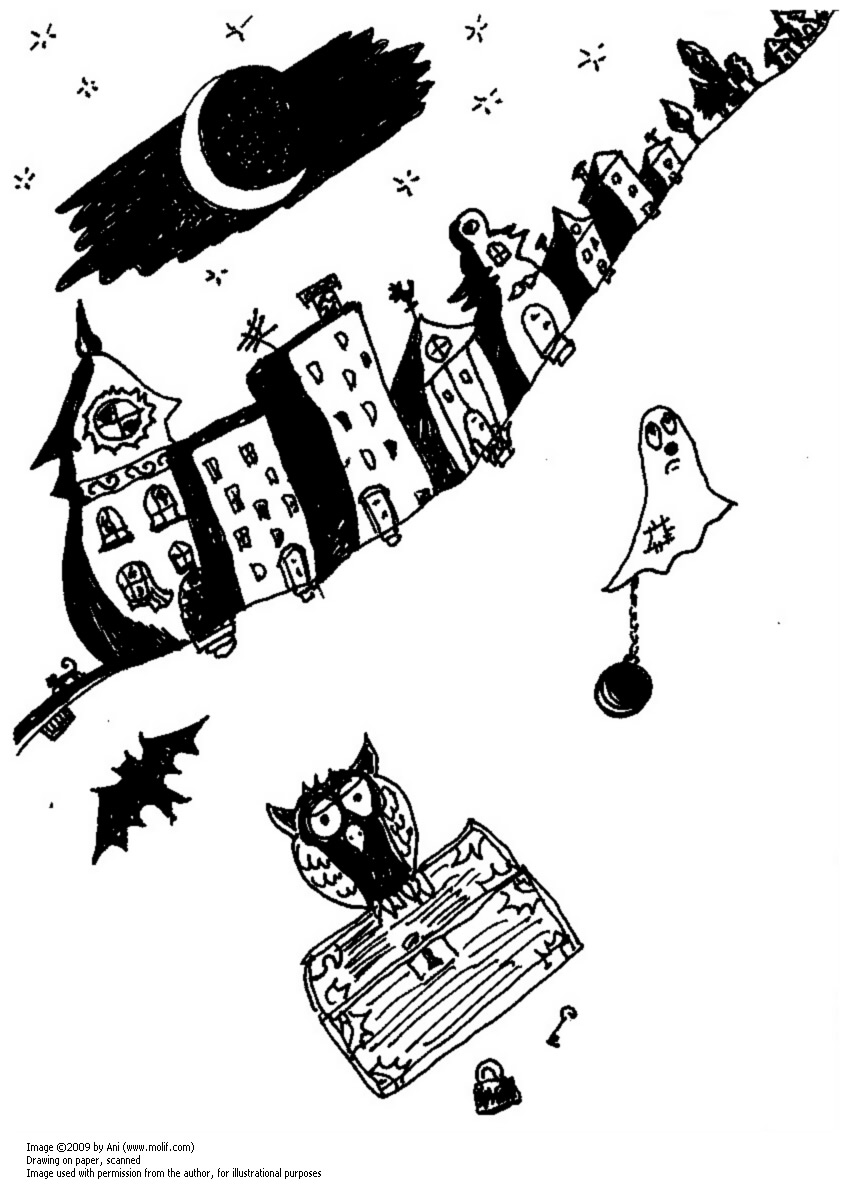
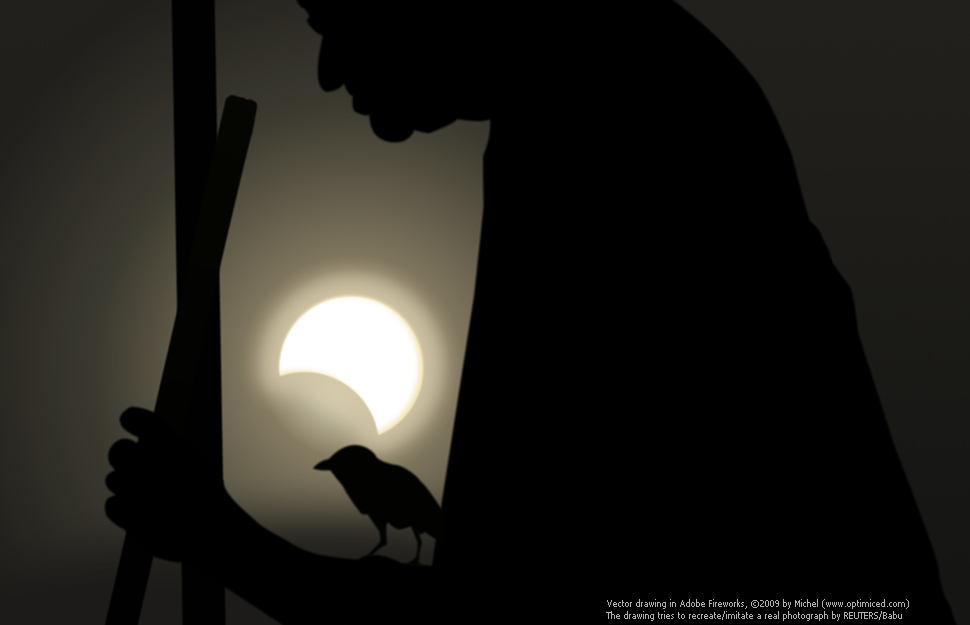
Instead of answering that question, I’d like to show you the following illustration:
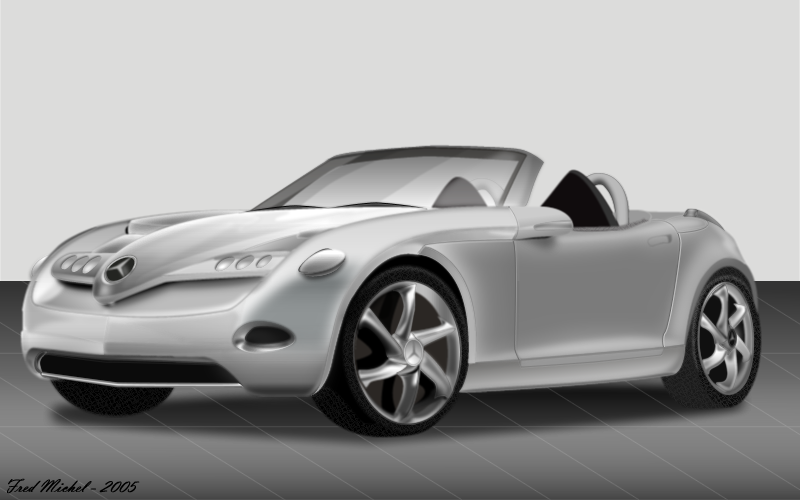
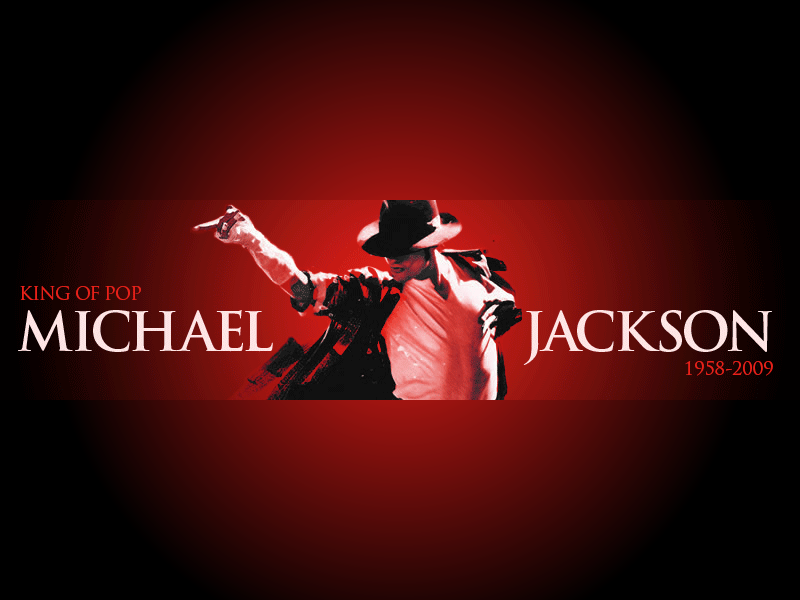
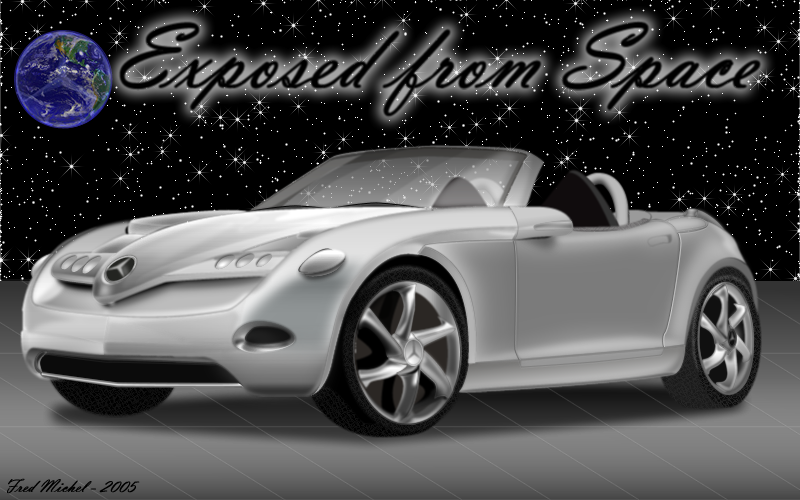
— this vector illustration was created with Fireworks in 2005, by Fred Michel (unfortunately, I couldn’t find more information about its author) [download PNG editable file].
Or:

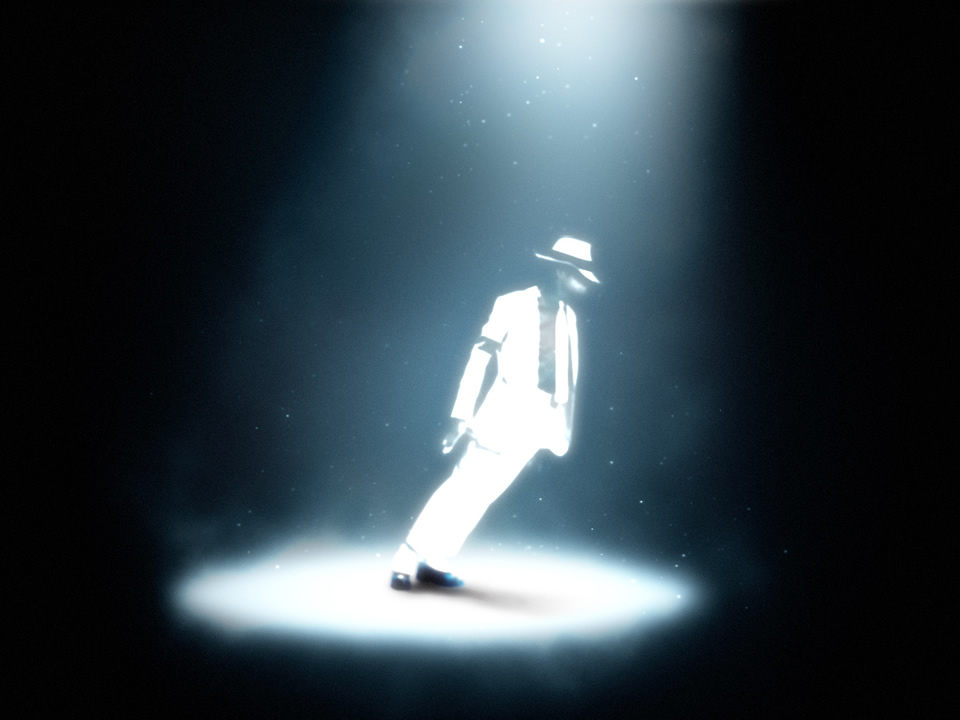
— this illustration is by David Hogue, it was created a couple of days ago as a try to use similar technique as in an Illustrator tutorial [download PNG editable file].
Not bad results, eh? Especially for a program that is looked upon (by some) as an inferior alternative to Ai/Ps;-)
With Fireworks you can create some magical things or simple color effects. This is the ideal program for graphics for Web/screen — it combines the best of the bitmap and vector world. Fireworks is easier to use than Illustrator, it is even more easier than Photoshop. No, it is not free, but it is not expensive, either (it’s approximately 3 times less expensive than Photoshop, if I must be exact).
Some prefer GIMP. Others — Inkscape. Some creative professionals use only Illustrator and Photoshop. I remain a true fan of Fireworks and I would be happy, if Adobe will continue with its successful development…
My personal opinion is that for Web graphics and all graphic design tasks intended for use on screen (RGB/RGBa), Fireworks is the perfect tool! :-)
UPDATE (2009/Sep/23):

— I also forgot to show this excellent illustration by Ryan Hicks [download PNG editable file] (thanks, Jim!:-).
________________________
*Why Fireworks?
— a popular article by designer Stéphane Bergeron, published in Adobe Devnet.