1. Prospective client: $400 for a logo?! Why are you so expensive? My nephew has Photoshop—I can just get him to do it.
2. Me: Does your nephew have Microsoft Word?
3. Prospective client: Yes.
4. Me: Then have him write you a novel while he’s at it.
Doing graphic design in Adobe Fireworks is easy. And not only easy, but fun.
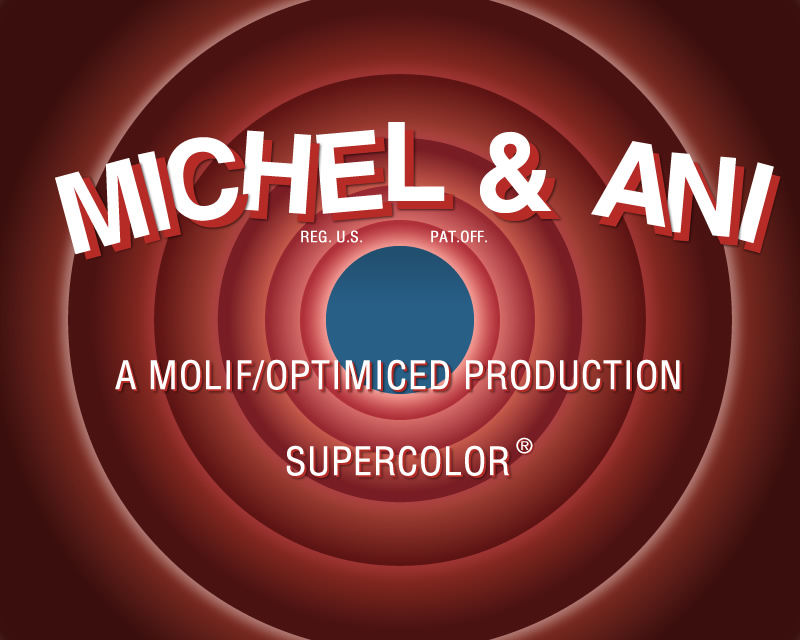
The following imitation of the oh-so-well-known-around-the-world logo of Looney Tunes was created by me just for fun, a couple of days ago:
(click on the image for original size!)
I don’t have the Looney Tunes font, so it doesn’t look as close to the original… I could have imitated it better, of course, but maybe some other time — it looks not bad even as it is now… :)
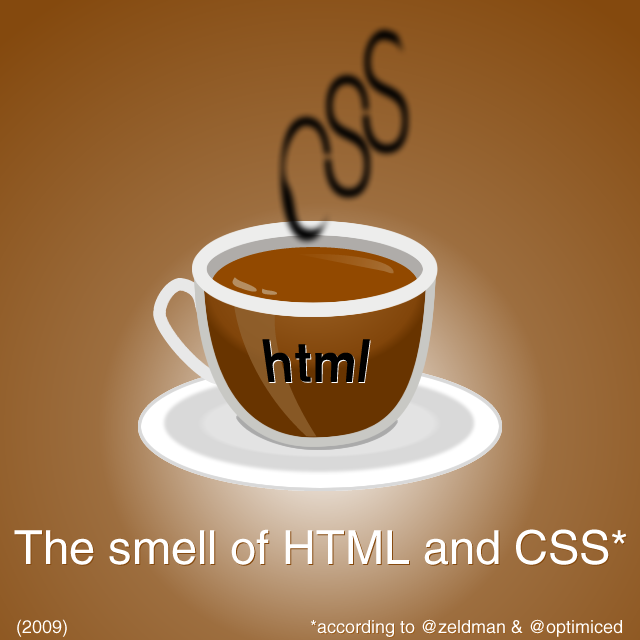
This inspired me to quickly create the following illustration in Fireworks:
(NOTE: Coffee cup is re-created from scratch in Fireworks, although it looks like this illustration. The final appearance of my little drawing was also inspired by @molif, for which I’d like to thank her!:-)
…but for your convenience, I will re-post all of them below:
Theme
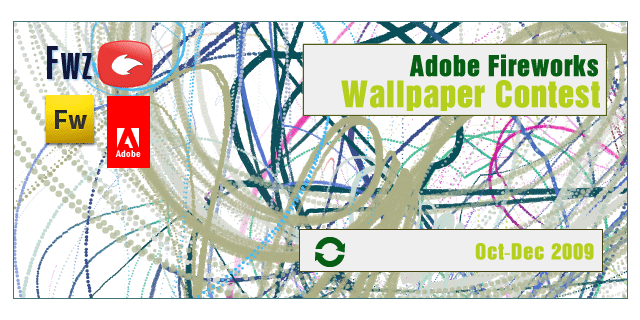
Fireworks Zone is holding a design contest. Use your imagination and design/illustration skills to create wallpapers using Adobe Fireworks. Size: 1280×960 pixels. The theme is open, with one wallpaper per contestant.
Who can compete?
Everybody can participate as long as the artwork is a source PNG file (editable Fireworks PNG), which means you require the use of Adobe Fireworks.
Your submission must contain contact information and a short, one or two line biography, along with the artwork.
The contact information must include at least one of the following: home address, phone, or email address (preferably all of them). If you like, include your website URL so we can include it with your biography, if you are selected as a winner or runner-up.
Period
From mid October 2009 — till December 1, 2009.
Artwork
The artwork must be original and created specifically for this contest.
Formats accepted: Adobe Fireworks source file PNG, in vector format.
Submissions should be emailed to webmaster(at)fireworkszone.com with the following subject: “Wallpaper Contest — 2009”
Converting Text to Paths
Because every computer has a different set of fonts installed on it, you should never assume that the client has the particular font you used available. It is often illegal to deliver font files with your logo, so it is important that you convert all your text to paths, curves or outlines. This step will convert all fonts into a vector shape, and will not allow you to edit the text any further. In Adobe Fireworks, simply select the text you want to outline and go to Text > Convert to Paths.
Judging Criteria
Creativity & Originality; Graphics skill
The judges
A panel of judges will be selected. Each member will be part of the webdesign industry, fireworksgurus, Fireworks users and/or evangelists.
1st Prize
$200,00 (payable through Paypal) + 1 copy of Adobe CS4 Web Premium + T-shirt. Additionally, Adobe we will invite the winner of the contest to work with the Adobe Developer Connection (Fireworks Developer Center) to write an article highlighting his/her inspiration and steps for creating the winning art.
If the winner declines this opportunity, the invitation would be extended to the runners up.
2nd Prize
$100,00 (payable through Paypal) + Fireworks book + T-shirt
3rd Prize
$50,00 (payable through Paypal) + Fireworks book + T-shirt
Prizes
Prizes will be awarded to winners at the end of the competition’s period. The top 3 wallpapers will be published on Fireworks Zone.
To participate, you will need to have installed Adobe Fireworks CS4 (earlier versions are acceptable, too).
If you do not own a retail version of Adobe Fireworks CS4, you can download a full-functional 30-days trial version from www.adobe.com/products/fireworks/
(Windows and Mac versions are available).
We also strongly recommend to you to upgrade your Fireworks CS4 version with the latest update (10.0.3.011), which can be downloaded from http://www.adobe.com/support/fireworks/downloads_updaters.html
If you have comments or questions, don’t hesitate to contact FWZ, which is organizing the contest!
In just two weeks, you could be the proud owner of Adobe CS4 Web Premium Suite — by simply creating a nice wallpaper in Fireworks!
So hurry up, as deadline for participants is December 1st, 2009!
Please, re-tweet and re-blog, as we are trying to bring together as many designers and Fireworks gurus as possible! Thanks! :)
Today I am happy to announce for download the following Fireworks styles, by Fireworks guru Mikko Vartio:
(You can find Mikko in Twitter and Flickr, where he often posts about Adobe Fireworks.)
The styles are called Fireworks Grunge Styles, version 1.0.
They are absolutely free — but if you mention their author, Mikko, in a project where you plan to use them, this will be greatly appreciated! ;-)
[downloaded over 300 times between Nov 14, 2009 and Dec 30, 2010!]
Description from the Author
The styles are based on Advanced Stroke settings and Alpha channel.
The grunge comes from custom white stroke and with Filters/Convert To Alpha, the stroke is “removed”.
Each style is coloured with Filters/Hue/Saturation settings, so color can be adjusted with adjusting the Hue value (see “Filters” section in the Property Inspector).
Installation & Use
Simply copy the file “Grunge Styles.stl” (found in the ZIP archive) to the Adobe Fireworks “Styles” folder and restart Fireworks.
1) Example location of the folder on Windows XP, for Fireworks CS4: C:\Documents and Settings\USERNAME\Application Data\Adobe\Fireworks CS4\Styles\
2) Example location of the folder on Windows Vista, for Fireworks CS4: C:\Users\USERNAME\AppData\Adobe\Fireworks CS4\Styles\
(For Windows 7 and MacOS X, please, refer to Adobe Fireworks Help, for the exact location of the “Styles” folder!)
That’s it! :-)
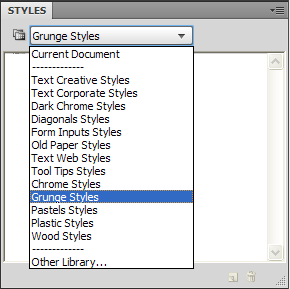
After you have copied the styles to the Fireworks “Styles” folder, and restarted Fireworks, you can can select “Grunge Styles” from the dropdown list in the “Styles” panel [screenshot], then select an object on the canvas, and apply any of the styles to it. They can be also edited easily (color, for example), so feel free to experiment!
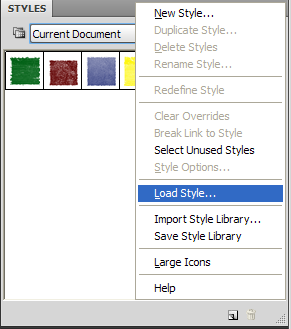
Of course, you can also load the styles without first copying them: Open the “Styles” panel in Fireworks, then select “Load Style” from the panel menu [screenshot], and load them! (But personally, I prefer the other method.)
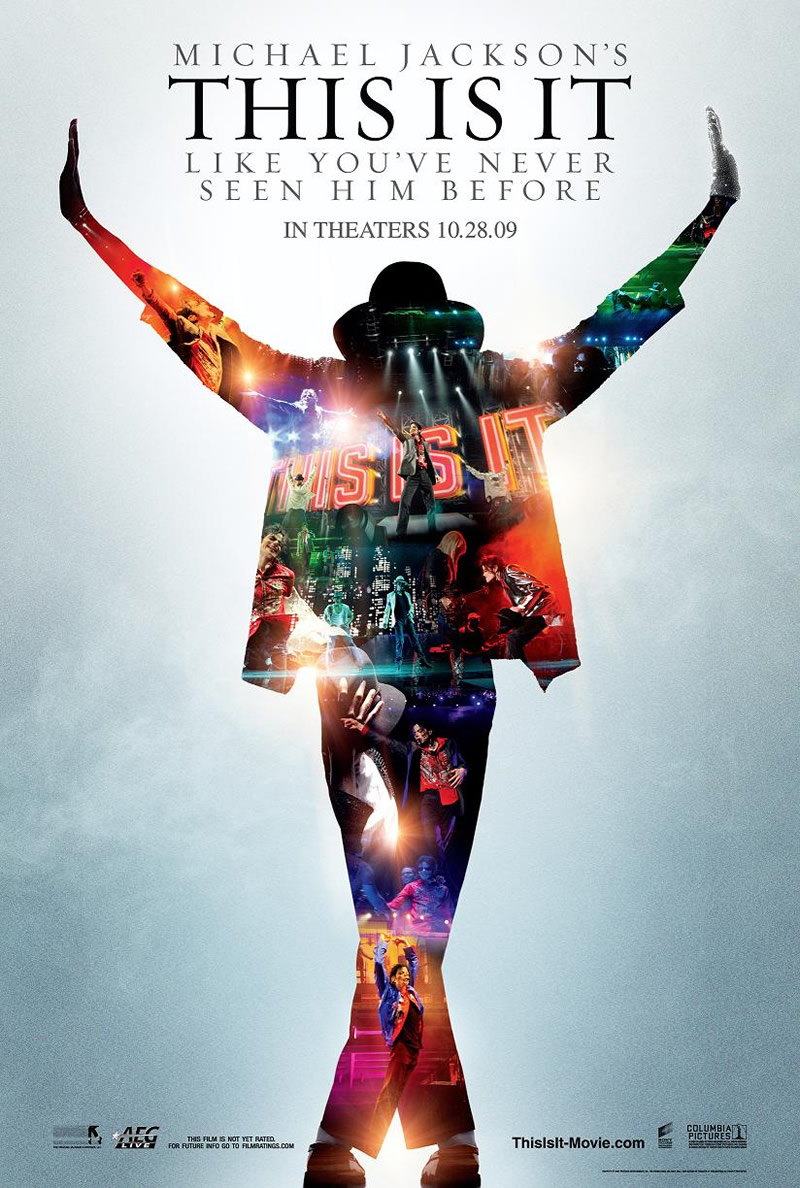
In the movie, I saw the work of an amazing musician “behind the scenes”, in rehearsals, in life! I saw Michael Jackson (almost) without make-up and sometimes… even without his sunglasses! :)
Most of the footage shows the preparation for the concerts in London, where Michael Jackson and his group of musicians and dancers had a planned series of 50 shows at the 02 Arena.
Unfortunately, Michael died (or was killed?) just before the tour has begun… This was really it, “This Is It” — his last tour that did not happen… :-(
Before I went to see this movie, I was a bit afraid that I may be disappointed. I was afraid to see a former star, supported on the stage so that he won’t fall down? I was afraid to see Michael Jackson that doesn’t sing and doesn’t dance?
Well, I wasn’t right!
Michael was singing, dancing and was giving everything out of himself at the rehearsals! You will really see it like you never did before, if you go to see this movie!
These would have been the best, the most original shows in his career — if they did happen, of course…
If you like Michael Jackson and appreciate his creative work — go to see this movie on a big screen (the quality of the sound is important, too)!
And if you don’t like Michael Jackson, but you love beautiful music and beautiful dance — go to see this movie on a big screen, you won’t regret it, too! Buy tickets for “This Is It”, and you will see a real genius at work! You will see and hear real music! You will also see a lot of funny moments during the rehearsals — you will see how an amazing gang of musicians and dancers work together with an even more amazing guy — who is no more, unfortunately…
* * *
An unknown for me commenter said the following words at imdb.com, after watching the movie:
Title: Genius?
Date: 29 October 2009
Rating: 10/10
Author: shakazulubb, from Germany
This was a clear view into the integral preparation of a concert by a complete genius. I was never a Michael Jackson fan, however, my wife was and since she was desperate to see the film I decided to accompany her. I was astounded. I could not believe this man in the film was the same person that is was always hounded by the press and made to look like the devil. He was by no means weird, ill health, or a drug user. If he was, he masked it very well.
The film shows us what we are missing as far as the concert goes and what a pity, it would have been amazing! He seemed at ease, and so happy and normal while on stage, as if it was built to be his. You would never believe this was the ”freak” that the world perceived him to be. Shame on those people. Genius at work, a perfectionist down the smallest detail and I think the film has captured this very well. What I liked a lot was the fact that the film was not concentrating on his death and tragedy, but solely on his concert, his music, and his geniality and it was a fitting tribute to one of the greatest musicians of our times. So I would urge anyone who has had any miss conceptions about the man to go see this, you like me will more than likely change your views on the man.
RIP, Michael!
— A very good and exact comment!
In “This Is It” I saw a happy person who was dreaming of music, and dreaming to be there again — on the stage, to sing and dance for all of us!
A lot of people paid tribute to him and his music, when he left this earth, earlier this year… But Michael is not here anymore… And there will be no concerts in London, not this year nor the next — no concerts, ever. Only some recordings are left, some raw footage from the rehearsals…
* * *
I can’t find the right words, sorry. So, just go and spend some money to see the movie. This will be money well invested, I promise.
Powered by WP & hosted by DreamHost | 0.075 seconds, 26 queries, 6 MB RAM