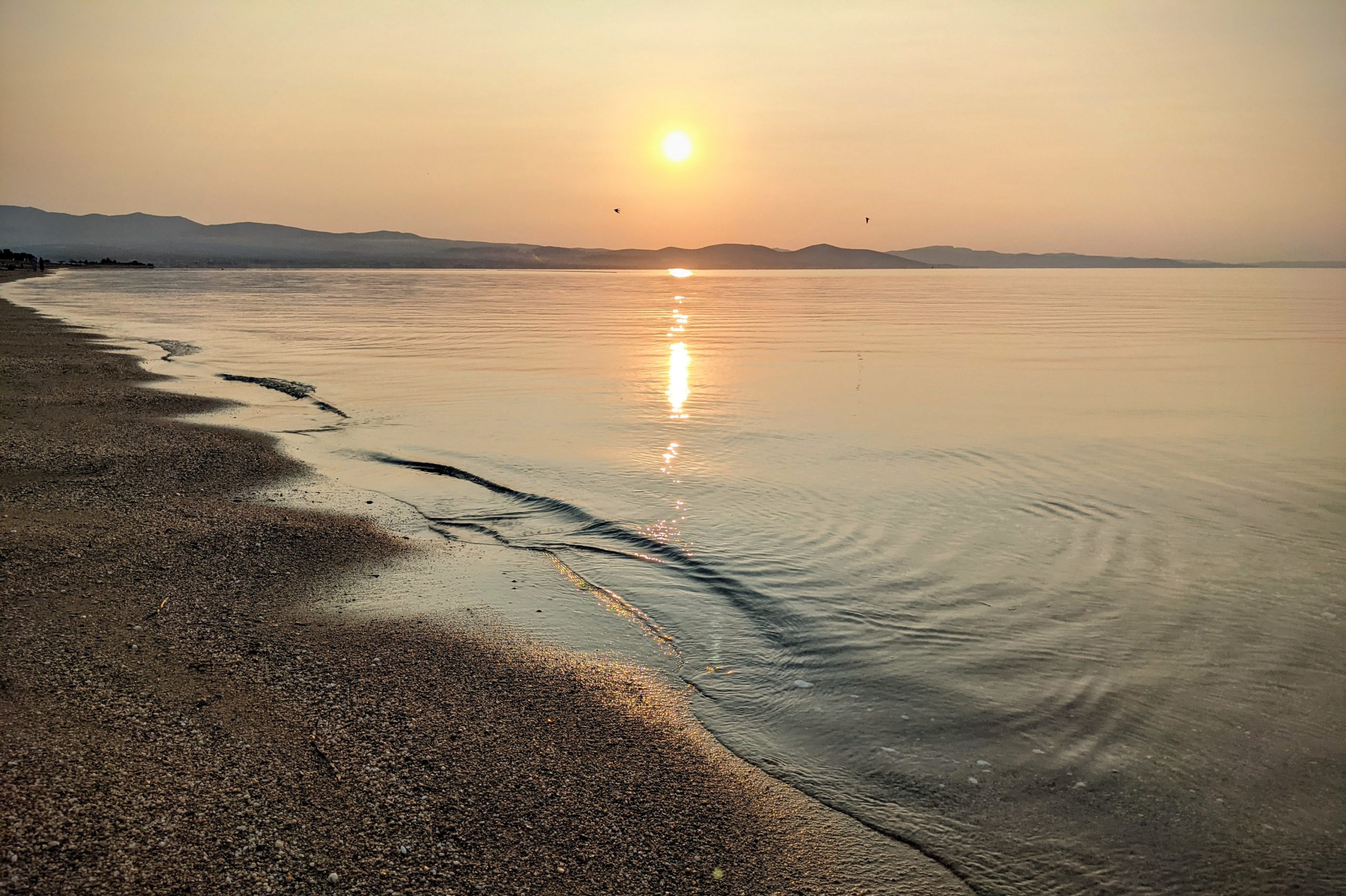
We’re in the middle of a short impro 4-days vacation (10-13/Jul/2023) and I’m just watching the sunrise now… :)
We’re in the middle of a short impro 4-days vacation (10-13/Jul/2023) and I’m just watching the sunrise now… :)
I agree with Arnold — here’s a short excerpt from his recent newsletter:
I have a theory.
When you don’t have a vision of the future, it’s easier to look back.
When you don’t have a vision, today doesn’t have much meaning because you don’t know why you’re here doing what you’re doing right now, and tomorrow is downright scary. Yesterday can seem nice and comfortable by comparison.
This is why, over and over again, I’m going to keep telling you to find your vision. […]
A vision gives you a reason to be here, doing whatever you’re doing. It makes you excited to wake up every day and keep moving forward. It gives life meaning.
Your vision can be to be the best teacher, nurse, doctor, firefighter, or electrician you can be. It can be to be the best dad, mom, or grandparent. It can be to be physically fit so that you’re there for your family as long as possible. It can be all of those things.
All that matters is that you think about it, you identify it, and you see it. Take some time today to sit down for a few minutes, figure out what your vision is, and then visualize yourself doing whatever it is you dream of. Play it like a movie in your head.
I guarantee you that movie is better than whatever was going on 50 years ago.
We went to see Indiana Jones and the Dial of Destiny at it’s premiere day (which was yesterday).
“They look like snakes.” It’s such a simple line of dialogue, yet after 42 years and four previous movies, we know exactly what that means to retiring archaeology professor, Dr. Henry Jones, best known to all as Indiana Jones.
Two and a half hour of crazy adventures in the city, the desert, the sea, and in the air, what else would you expect from a movie with Indy? And an occasional tear somewhere at the end.
The movie was good, in mine and Ani’s opinion.
The movie was a 2D release, like in the old times and the cinematography was beautiful, as well as John Williams’s music score.
Some people will say it wasn’t as good as the first three Indiana Jones movies. Well they’re maybe right, but this didn’t prevent us from enjoying the this fifth part in the Indiana Jones saga.

Indy’s farewell fares well
“As the final chapter of the beloved franchise, this entry is the first one not directed by the legendary Steven Spielberg (listed here as an Executive Producer). Instead, James Mangold takes the reins, and also shares writing credit with his frequent collaborators Jez Butterworth and John Henry Butterworth, as well as “Indiana Jones” veteran David Koepp. Of course, George Lucas and Philip Kaufman receive credit for their original characters.
Harrison Ford once again dons the familiar whip and hat, and at 80 years of age, still possesses the screen persona and magnetism that first won us over in “Raiders of the Lost Ark”. The extended and frenetic opening sequence finds a young Indy (Ford is digitally de-aged for the sequence) at the tail end of WWII fighting Nazis over what else, a prized ancient artifact. I’ll leave the specifics to those who watch the film, but just know that it’s an interesting historical choice, and also one that matters little in relation to the enjoyment of the film.
Working alongside Indy in the opening sequence is his pal and fellow archaeologist, Basil Shaw (talented character actor Toby Jones. However, the fun part for me is seeing Thomas Kretschmann and Mads Mikkelsen share scenes as Nazi Colonel Weber and Dr. Voller, respectively. These are two of my favorite actors and I do wish they had a couple more exchanges.
The story picks up with modern day Dr Voller and his band of misfits tracking down the relic and disturbing Dr. Jones’s retirement party. It’s at this point where Indy’s goddaughter Helena (Phoebe Waller-Bridge) pops up creating a three-way battle for the priceless relic. This sets off a chain of events that leads them on a global trek to desert, sea, and hallowed cities of antiquity. Fans of the franchise know that the story is secondary to the characters and action, and there is no shortage of action on speeding trains, galloping horses, motorcycles, tuk tuks, vintage airplanes, and scuba dives. Antonio Banderas shows up as a boat-owning old friend of Indy, but it’s the appearance of series favorites John Rhys-Davies as Sallah, and Karen Allen as Marion, that generated cheers from the audience.
At times this feels like a live action cartoon, and that’s not meant as criticism. It’s pure fun, fantasy, and adventure cloaked in nostalgia; and the film is a fitting conclusion to a world class franchise.”
Lately, I am spending too much time on Twitter (https://twitter.com/@optimiced) & Mastodon (https://mastodon.social/@optimiced), checking the news💙💛 and watching funny cats videos 😺.
But mostly checking the news! I am also using Twitter for connecting with people, both professionally and personally, which is not often but when it happens, Good Things Happen™ — for example, I recently had excellent collaboration with @andybudd & many other fine people which resulted in new Smashing Magazine articles being made!
So, with the exception of some moderate amount of time for connecting and collaborating with real people, Twitter (mostly) takes a lot of my time and this time is not spent wisely. News, funny cats, etc. But it’s not only the news — Twitter is also becoming a bad place (since a certain person with lots of borrowed money acquired it, we all know who) and disinformation and Nazis started really proliferating on this platform. So I was thinking, maybe I need a break? Some kind of “digital detox” or “electronic social time-out”?
I also noticed that while I’m on Twitter, I read less books and serious articles. And am becoming more nervous — because of the news and the Nazis, of course!
So, a break? But what should I do if I stop appearing regularly on Twitter and Mastodon?
I am thinking of the following:
– Remove some dust from my blogs (https://www.optimiced.com/en/, https://www.optimiced.com/bg/). And yes, they provide RSS.
– Change/improve my blog theme, add/remove plugins, do some optimizations and some custom HTML/CSS/PHP.
– Blog occasionally from my phone!
– Start again using RSS to read other people’s blogs. (Can you recommend a good RSS reader btw? I am thinking Feedly.)
– Then help Ani (@molif) — new blog theme, optimizations, nice custom design touches, etc.
And finally…
…Do I plan to stop using Twitter/Mastodon completely? No. (Not for now, anyway.)
But I would like to reduce their use to the *bare minimum* for at least 2-3 weeks. (You can still message me/@ mention me but don’t expect an instant reply.)
It’s time for me regain some sanity. Or at least try to!
P.S. Initially I wanted to make a series of tweets, and then I thought, I have a blog, maybe I should start using it? 😋 And here it is.
But here’s also link to the short Twitter thread that I made: 📝 https://twitter.com/optimiced/status/1673358320118185987
P.P.S. And a short toot is also in order, methinks! :-)

The tired hobbits are in the house of Tom Bombadil and Goldberry:
“At last Tom and Goldberry rose and cleared the table swiftly. The guests were commanded to sit quiet, and were set in chairs, each with a footstool to his tired feet. There was a fire in the wide hearth before them, and it was burning with a sweet smell, as if it were built of apple-wood. When everything was set in order, all the lights in the room were put out, except one lamp and a pair of candles at each end of the chimney-shelf. Then Goldberry came and stood before them, holding a candle; and she wished them each a good night and deep sleep.
‘Have peace now,’ she said, ‘until the morning! Heed no nightly noises! For nothing passes door and window here save moonlight and starlight and the wind off the hill-top. Good night!’
She passed out of the room with a glimmer and a rustle. The sound of her footsteps was like a stream falling gently away downhill over cool stones in the quiet of night.”
—John Tolkien, The Lord Of The Rings, book 1, chapter 7
One of my favorite moments from one of my favorite books! The next time I wish my daughter “Good night,” I’ll quote Goldberry when she wished the hobbits good night. This will be probably tonight. :-)

A beautiful jasmine blooming in the park nearby.

A yellow chestnut leaf in the late spring.
“The only constant is change.”
Yes, the only constant in life is change…
